Server Components vs Client Components in Next.js: when I use each
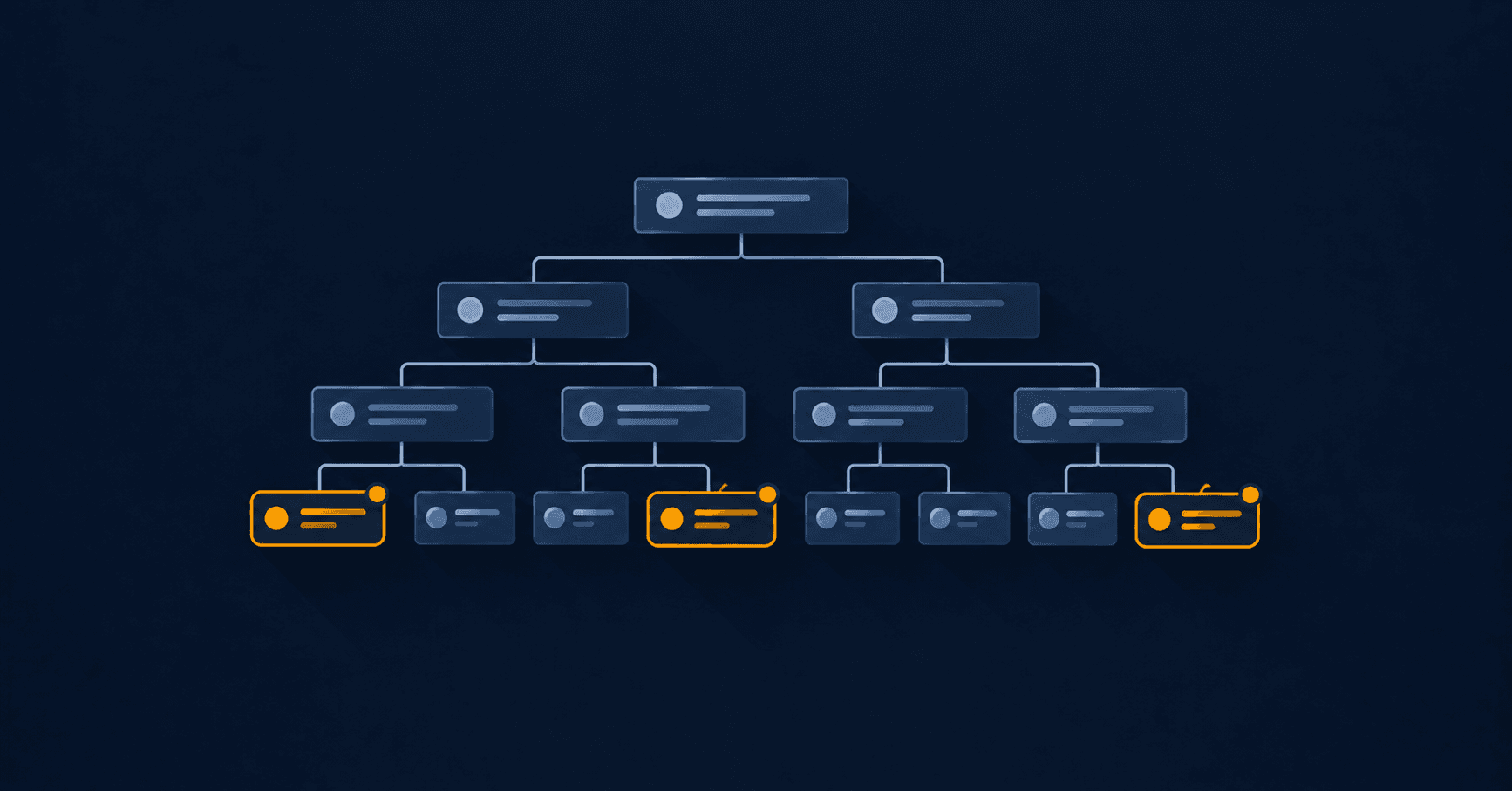
The question I get asked most about Next.js App Router isn't how it works: the docs explain that well. It's how to decide, component by component, between Server Components vs Client Components. That's the question the docs answer worst, because the answer depends on the project, not the technology.
This is the criteria I use, with real code examples from this very portfolio and from GymSmartAccess.
Server Components vs Client Components: the real distinction
It's interactivity vs content.
A Server Component runs on the server, builds its HTML, and that HTML is all that reaches the browser. Zero JavaScript from that component travels to the client. It has no useState, no onClick, it can't react to anything because by the time the user sees it, it has already finished existing as code — only the HTML it produced remains.
A Client Component does travel as JavaScript, hydrates in the browser, and can have state, effects, and respond to events.
The question that actually matters for each component is: does this component need to remember something, react to something, or use a browser API? If not, it's a Server candidate. If yes, it has to be Client.
Examples from this same site
The home page's Hero component is Server. It shows a title, a subtitle with years of experience computed on the server, and two buttons that are links. There's nothing there that needs to remember state between renders or react to a browser event — the links are navigation, not application interactivity.
export default async function Hero() {
  const t = await getTranslations("Home");
  const years = await getYearsOfExperience(locale);
  // ...builds the JSX and that's it, it never runs again in the browser
}
The blog listing, on the other hand, is Client, because it has a tag filter that needs state (useState) and has to respond to clicks without reloading the page.
"use client";
const [active, setActive] = useState<string>(ALL);
const filtered = active === ALL ? posts : posts.filter(/* ... */);
The difference isn't visual complexity — both sections have cards, text, images. The difference is whether something has to change in the browser without going back to the server.
The mistake I see most often: "use client" at the root
The typical mistake is putting "use client" on a large component because one small part of it needs interactivity. That turns the entire tree of child components into client code too, even though 90% of them just render text.
The fix is almost always the same: extract the interactive part into its own small component, and leave everything else as Server. Instead of:
"use client"; // all of this ships to the browser, without needing to
function ProductPage({ product }) {
  const [qty, setQty] = useState(1);
  return (
    <div>
      <ProductGallery images={product.images} />  {/* doesn't need to be client */}
      <ProductDescription text={product.description} /> {/* neither does this */}
      <QuantityPicker qty={qty} onChange={setQty} /> {/* this one does */}
    </div>
  );
}
The state gets isolated in the component that actually needs it:
function ProductPage({ product }) {  // Server, declares nothing
  return (
    <div>
      <ProductGallery images={product.images} />
      <ProductDescription text={product.description} />
      <QuantityPicker />  {/* only this file says "use client" */}
    </div>
  );
}
The gallery and the description never travel as JavaScript. Only the quantity picker, which is the only thing that genuinely needs to run in the browser.
A case where the choice isn't obvious: forms
A contact form looks obviously Client — it has inputs, validation, submit state. And the interactive part is. But that doesn't mean the whole page has to be.
On this site, the contact page is Server; only the ContactForm component inside it is Client. The surrounding text, the layout, the SEO metadata — none of that needs JavaScript in the browser, so it stays outside the client boundary.
Why this matters more than it seems
Every Client component adds JavaScript the browser has to download, parse and execute before the page can respond to a click. On a phone with a bad connection, that's the difference between a page that feels instant and one stuck for two seconds even though it looks complete. The Next.js docs frame it the same way.
And there's a compounding effect: in Next.js, if a parent component is Client, everything it renders inside without going through children also becomes part of the client bundle, even if that child has no "use client" of its own. The client/server boundary isn't per file, it's per render tree.
That's why the correct default is Server, and "use client" is the exception you have to earn component by component, not the project's baseline setting.
The practical rule I use
I start every component as Server. When the compiler or the linter tells me I need a state hook or a browser event, I don't slap "use client" on the whole file: I first ask whether I can isolate that need in a smaller child component. Almost always I can. And when I can't, only then does that specific component earn the label.
The result, on a typical project, is that the vast majority of the tree stays Server, and the real interactivity — usually a small fraction of the interface — is the only part that costs the visitor any JavaScript.
Keep reading
- Building and running a SaaS: what changes once customers are payingThere's a huge difference between building a product and keeping it running on a Tuesday at 3am when a payment webhook fails. What I learned taking GymSmartAccess from idea to a real business.
- Atomic components that actually get reused (not just in theory)Atomic design is easy to explain and often applied badly: components that are technically atomic but that nobody reuses because they were born coupled to a single screen.